The same captions, again?
Your words. Your voice.
Make the captions, colors and logo your own. Save your brand kit to bring your signature to every new clip.
For streamers, YouTubers and clippers.
Turn long videos into clips ready to refine. Pickin finds the highlights, prepares the framing and captions. You add the finishing touches.
01Your long video
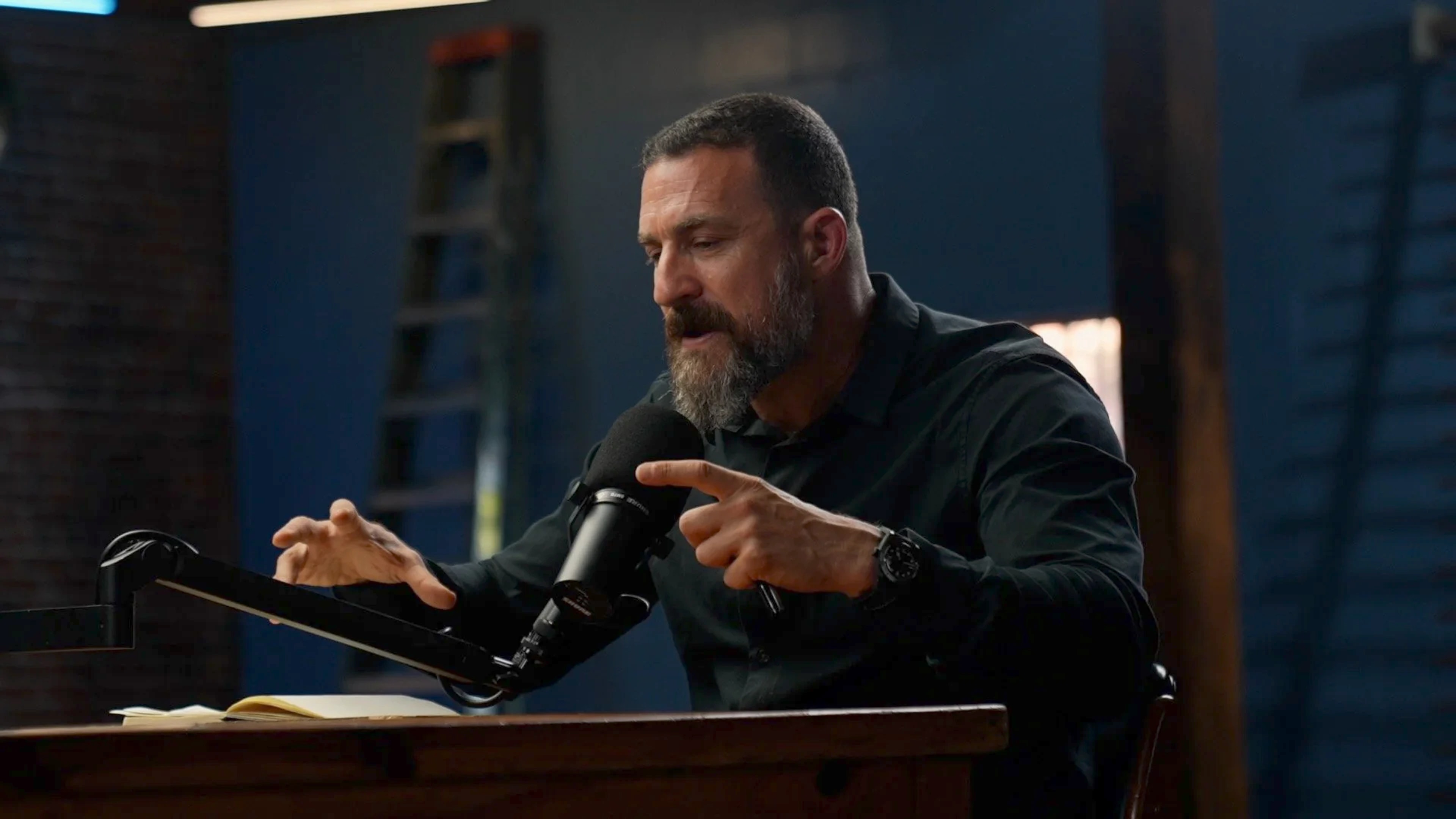 SOURCE
The right moment is somewhere in here.

Pickin does the groundwork
02Your next clips
 01The insight
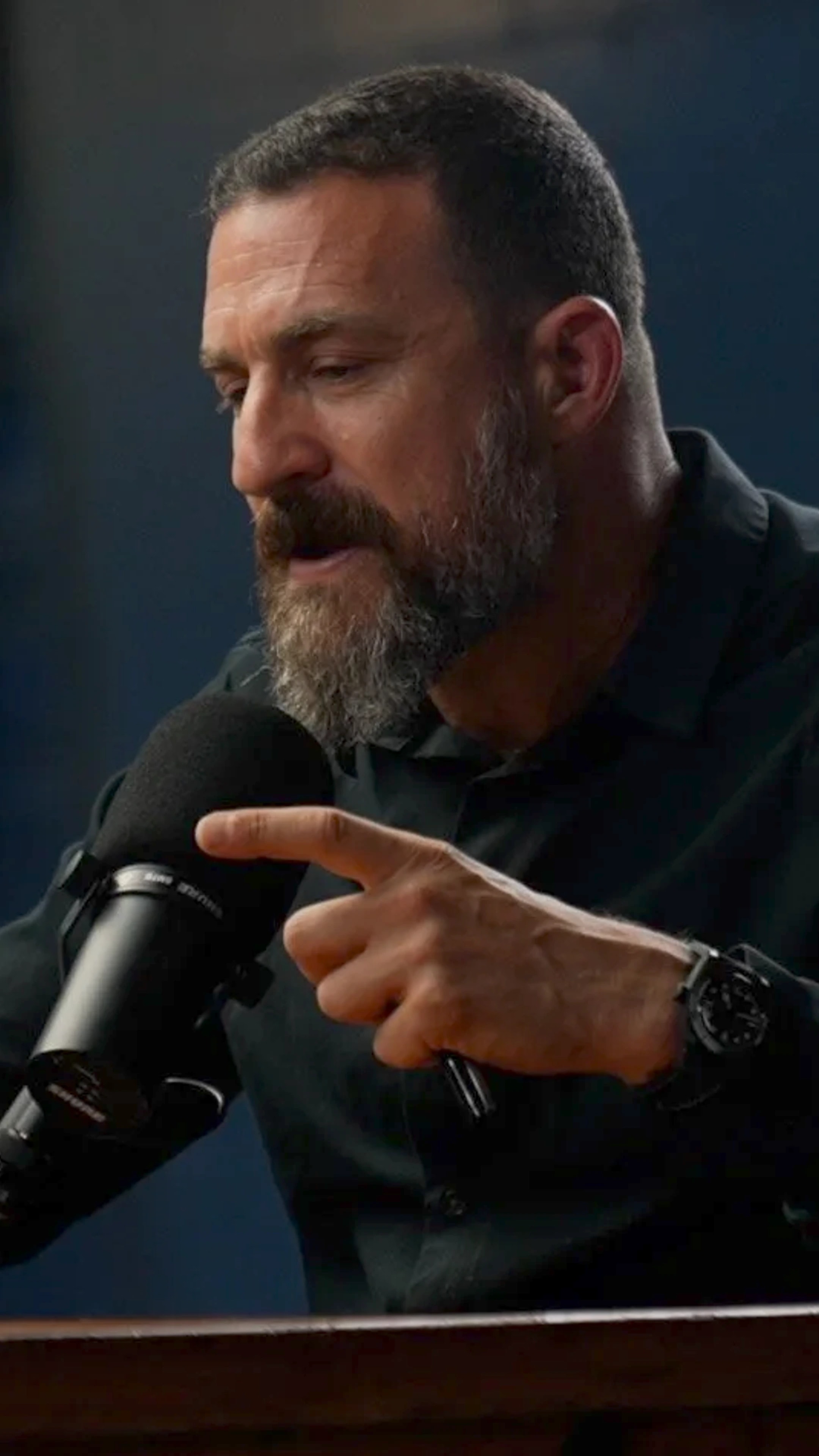 02The reaction
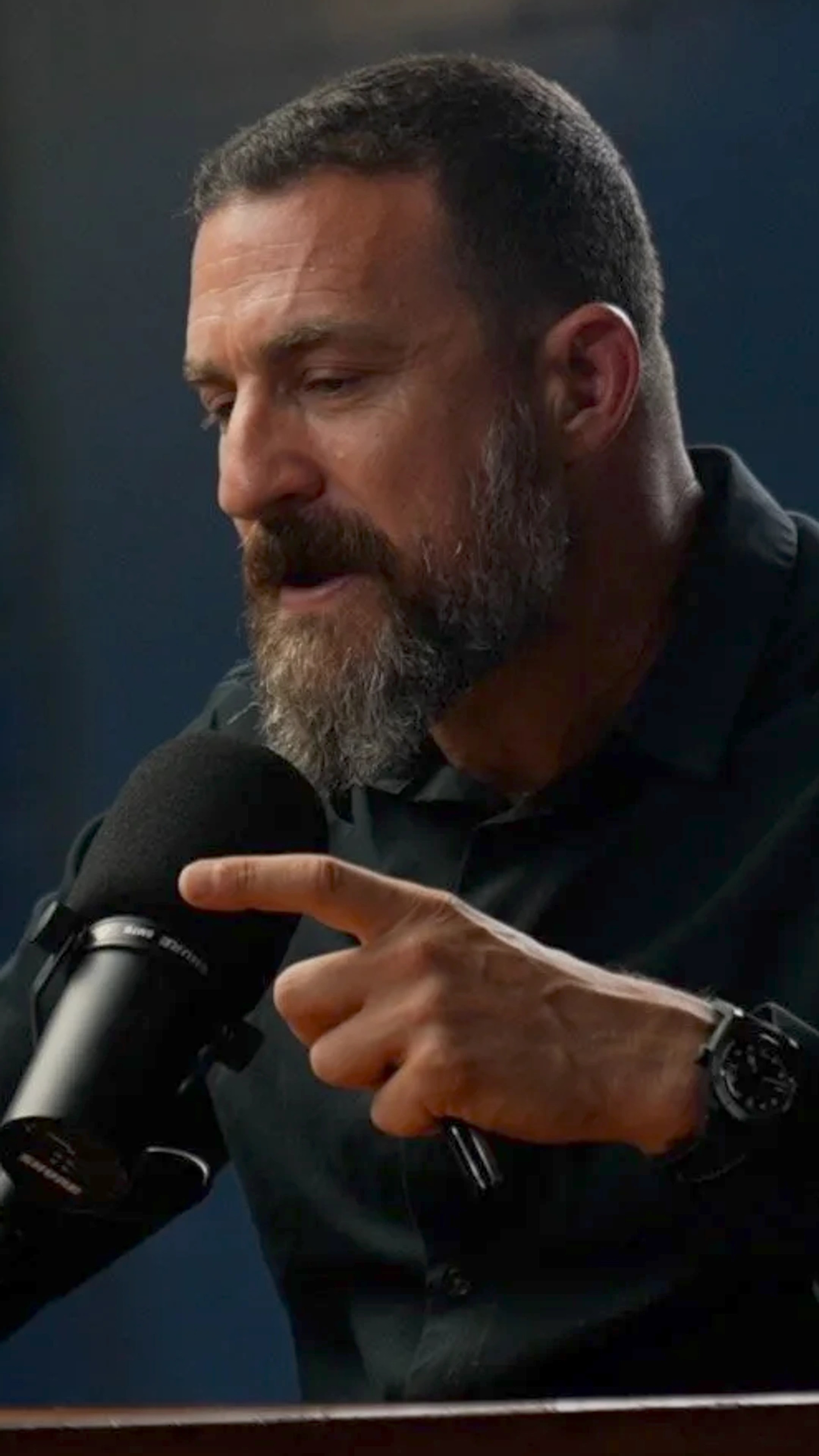 03The takeaway
Ready to refine. Ready to share.
Bring your videos from
 YouTube
 Twitch
 Dailymotion
 Your files
Sound familiar?
Three ways to create. Three reasons to take a breath.
That moment was incredible. But when was it? Finding the parts worth sharing turns into another session of work.
Review a selection of moments, then choose the ones that deserve a clip.
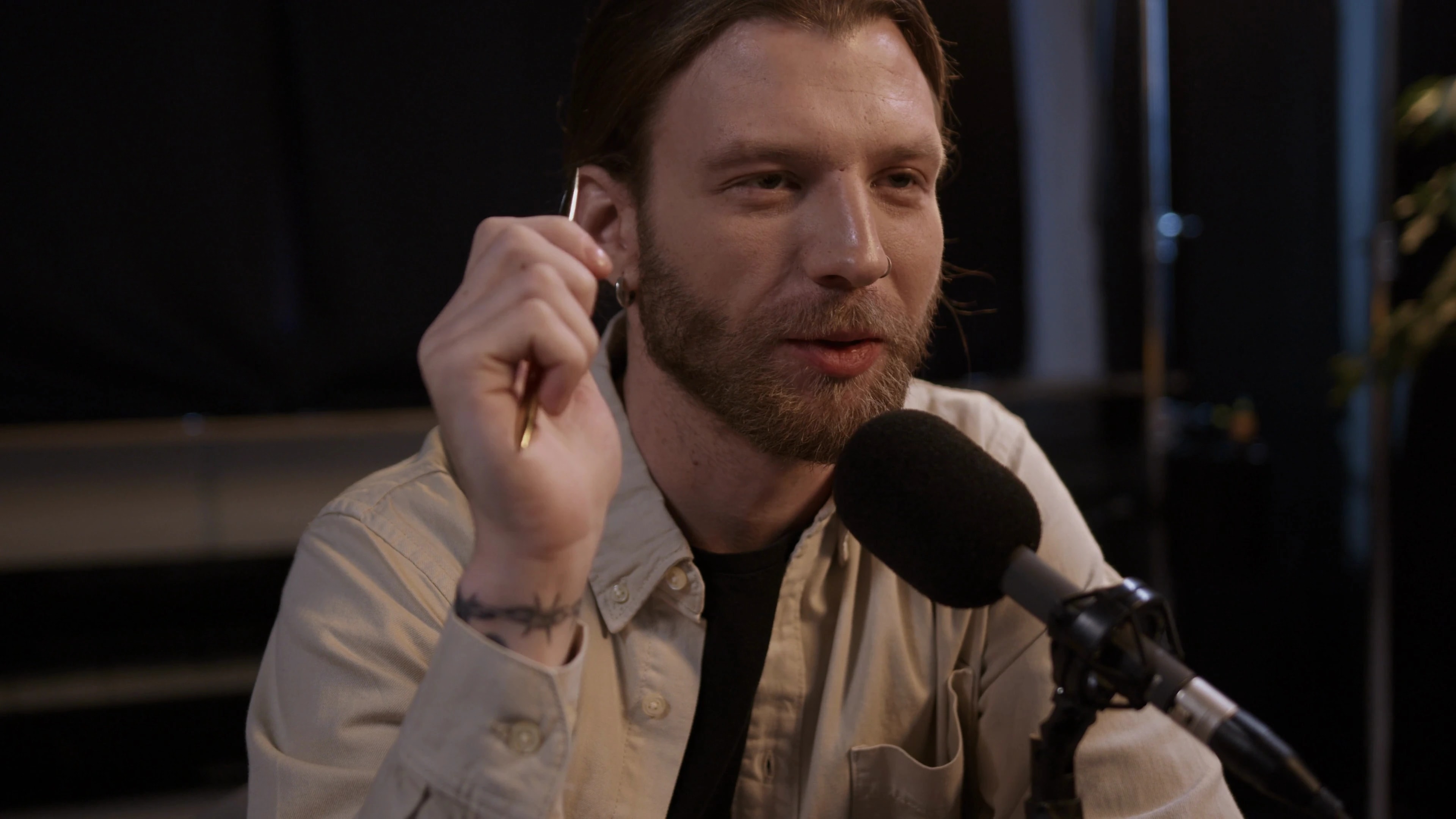 Replay02:00:00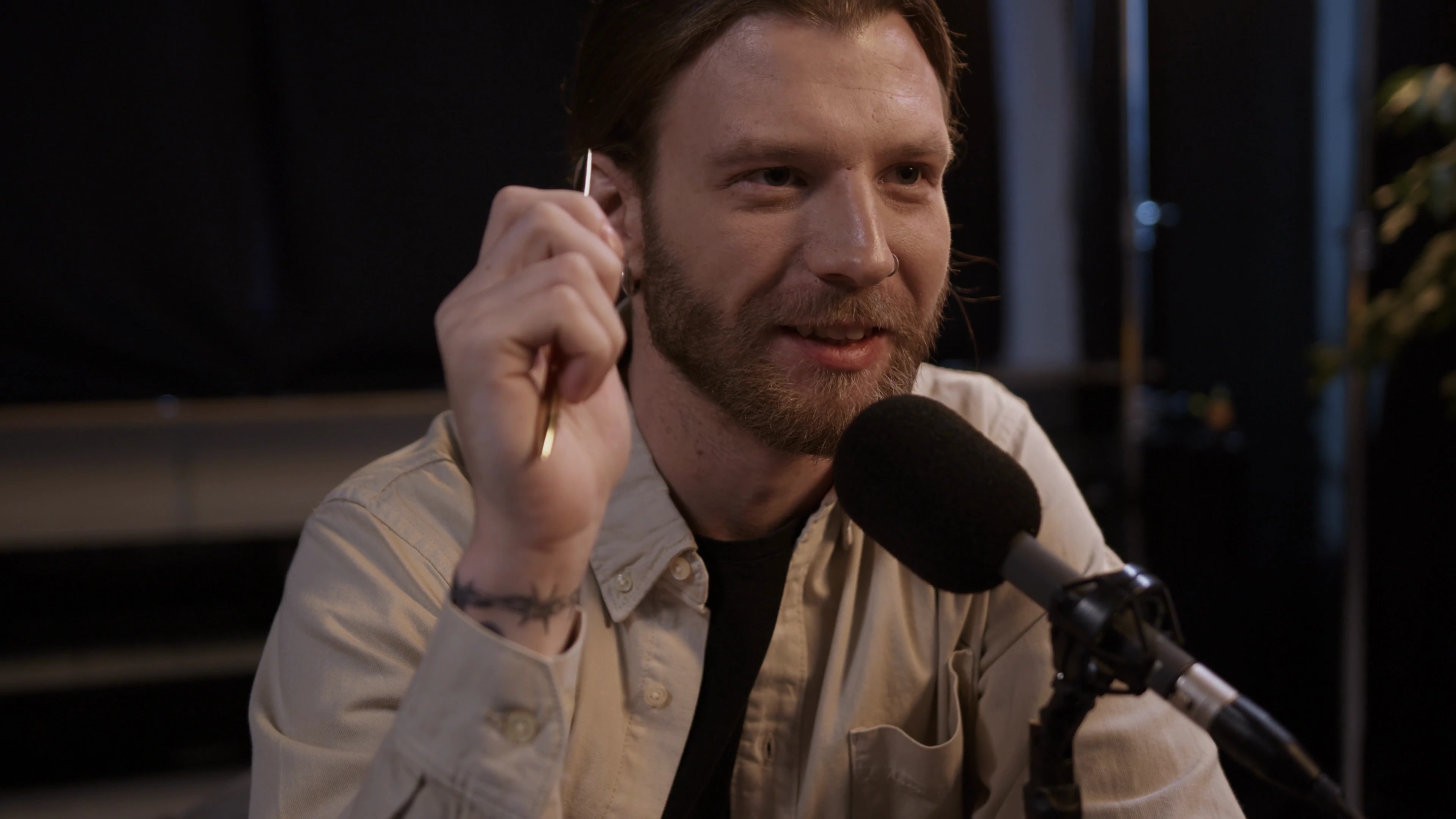
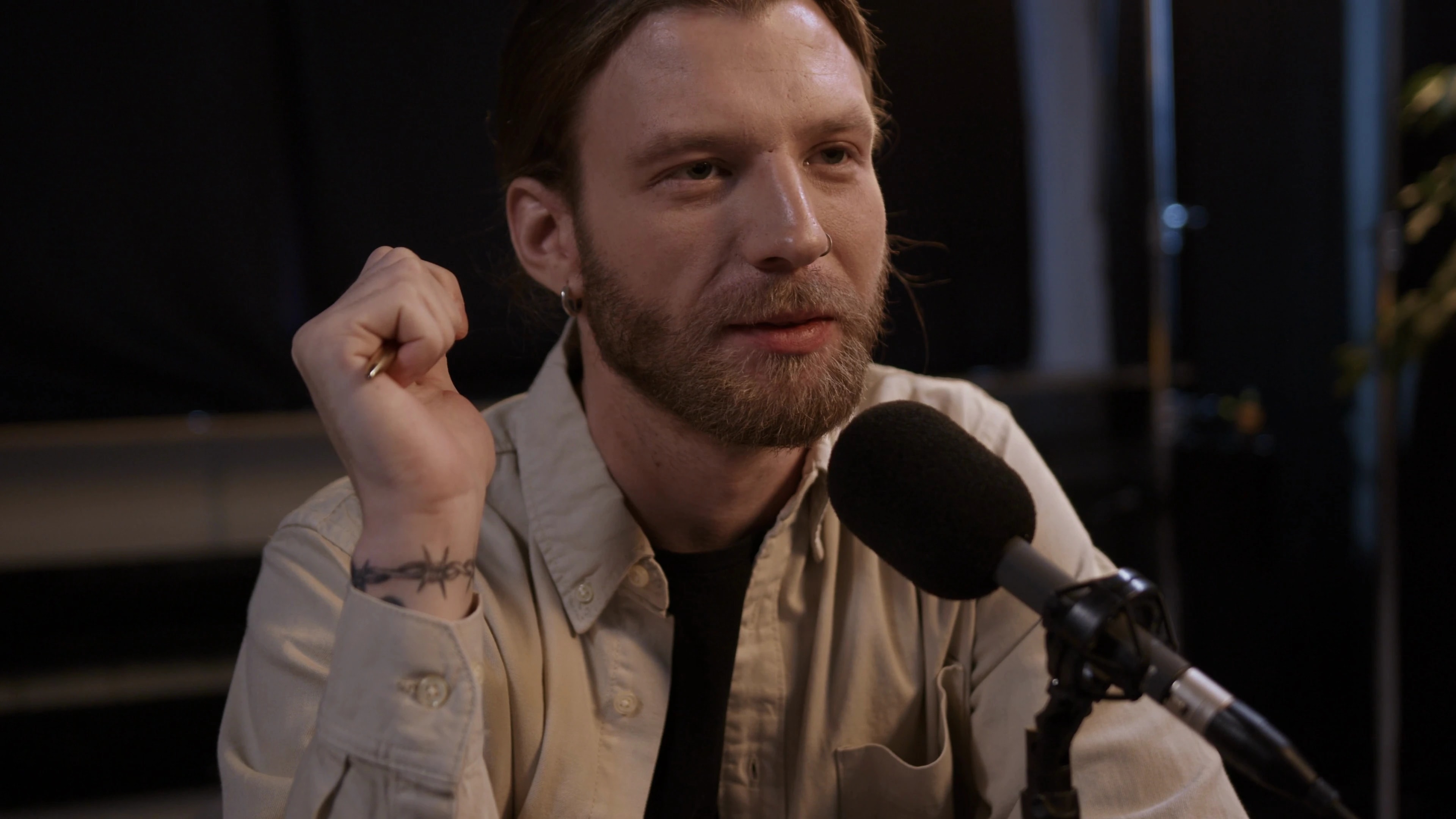
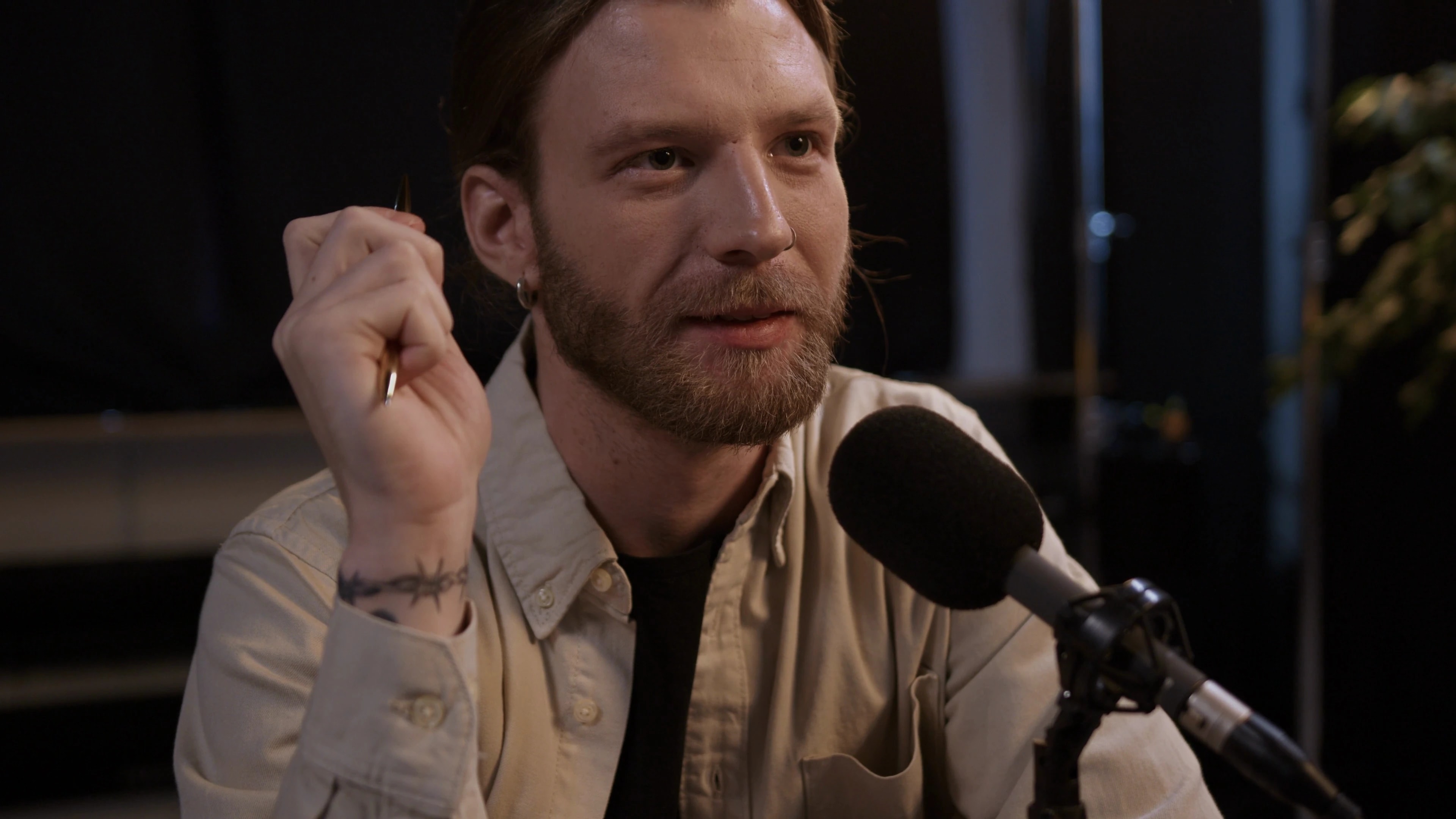
Illustrative example workflow.
Your turn
Choose a moment, make the style yours, then add it to your calendar.
Select an excerpt to explore its preview.
Interactive demo · nothing is created or published.
Less repetition. More creation.
Captions, formats, publishing: your tools and your style, together in one workspace.
Make the captions, colors and logo your own. Save your brand kit to bring your signature to every new clip.
Move from landscape to portrait and square formats. Refine each clip in the Studio.
Bring your accounts and upcoming posts together. Choose the day and time, then keep what’s next in view.
More than one way to tell it
A strong idea, a conversation, a story. Every moment can become a new way in.
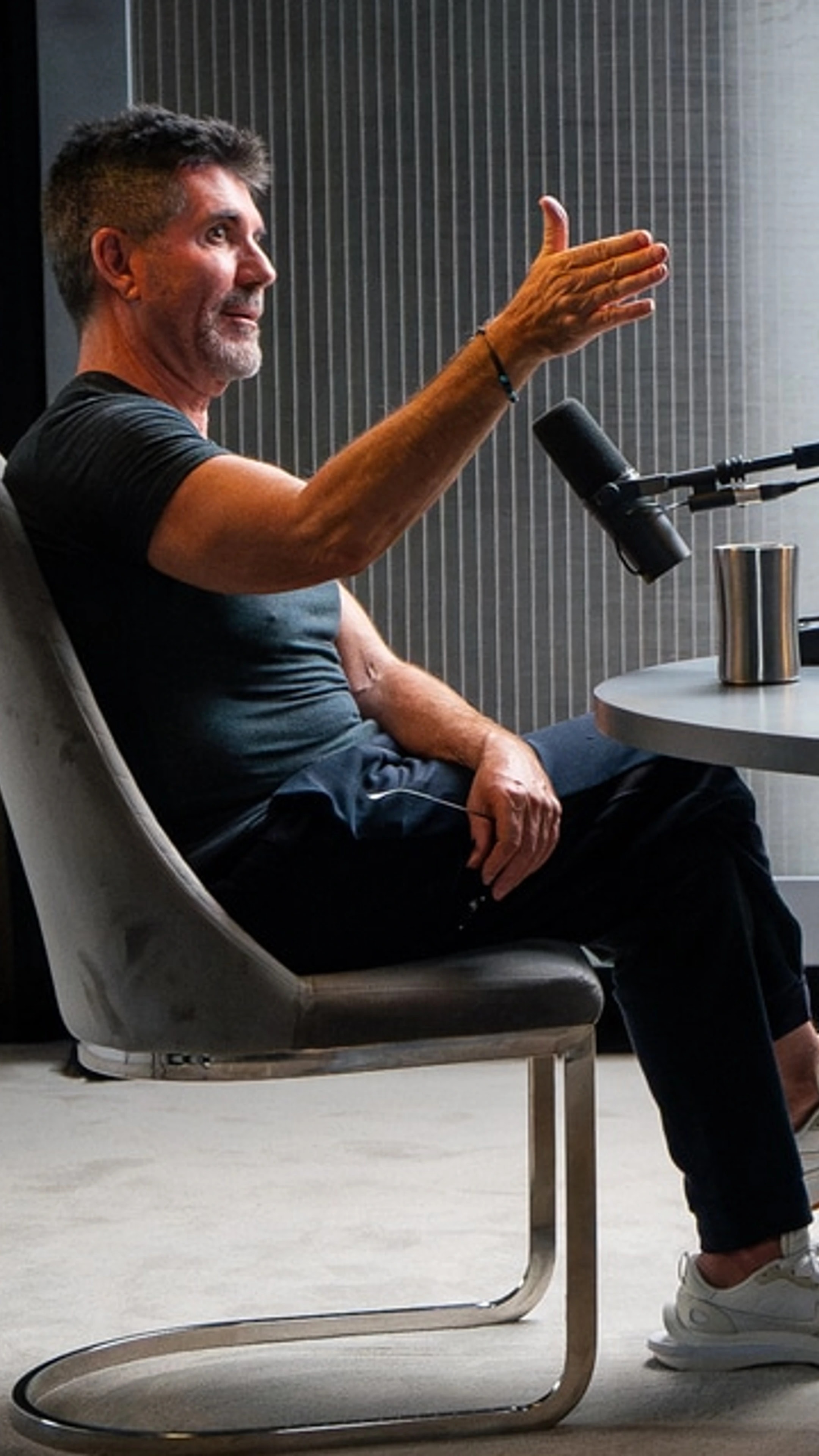 9:16 01
It all starts with
a question.
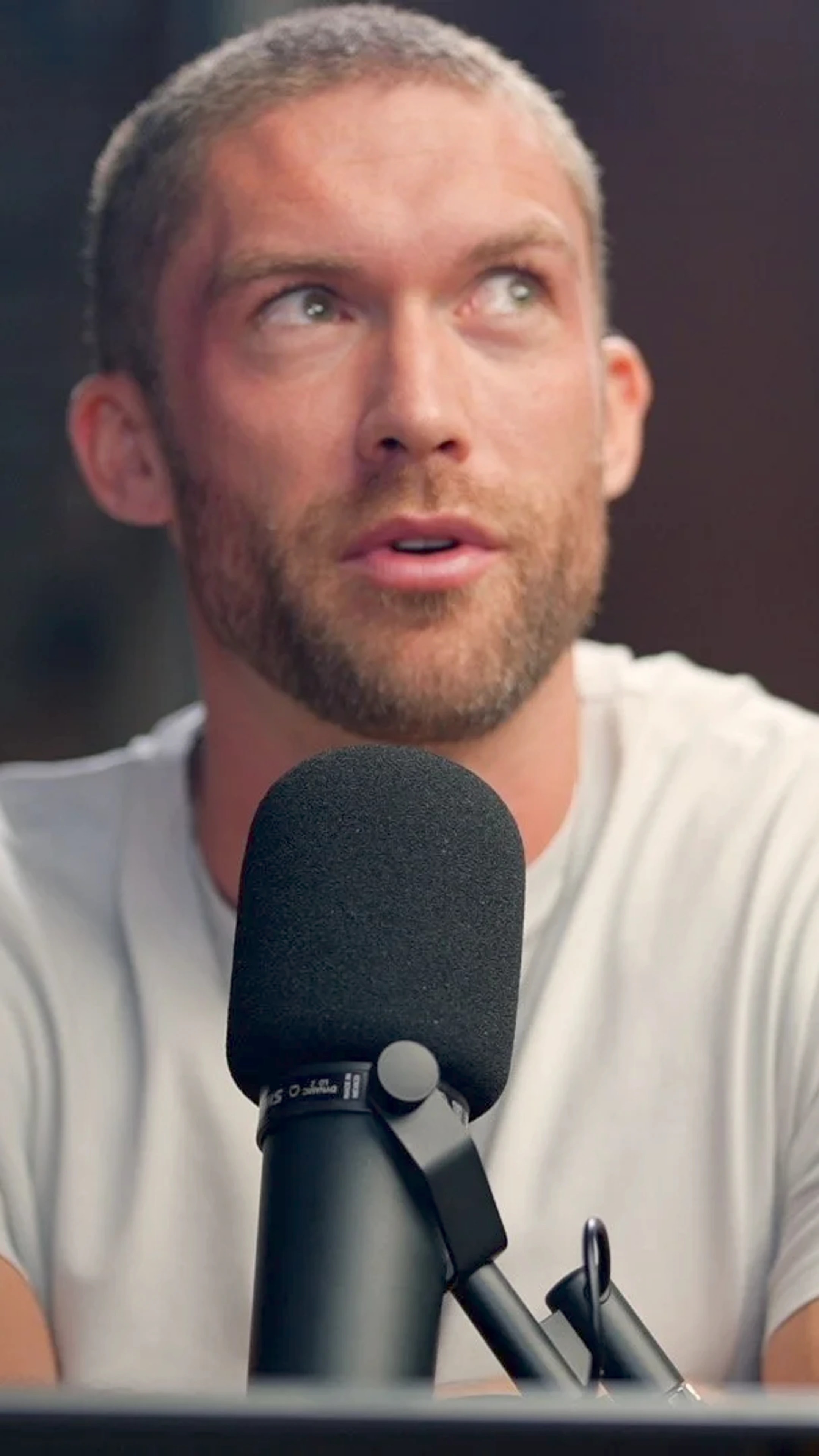 9:16 02
One idea can
make it click.
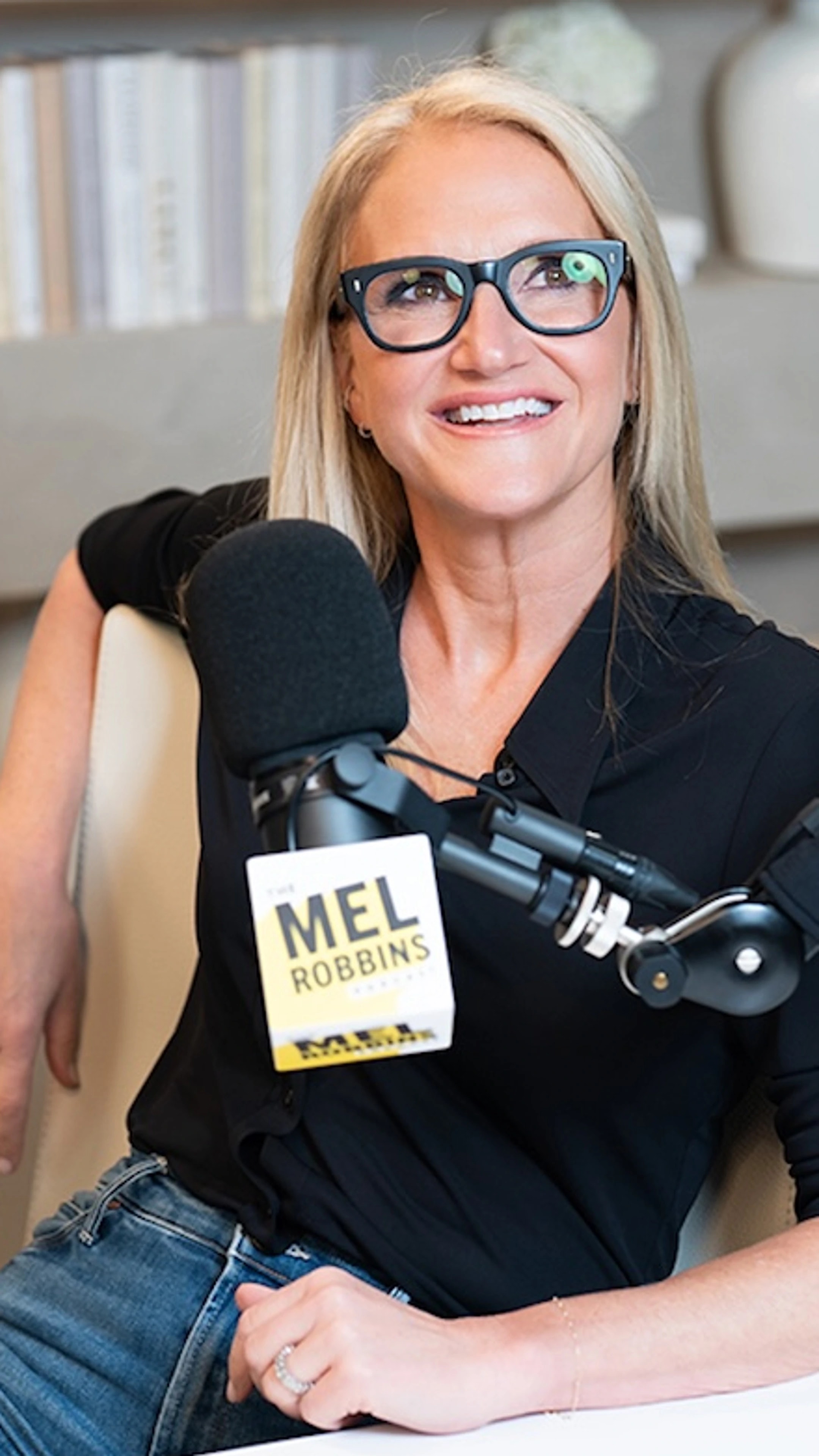 9:16 03
Make room for
what’s next.
Presentation examples · illustrative visuals.
Pricing
The Studio, captions, publishing and statistics are included from the free plan. Paid plans add monthly credits, workspaces for your clients and video ideas to clip.
To try it on your own videos.
$0
For your first channel.
$20/month
For posting every week.
$55/month
For running several channels.
$99/month
Prices in US dollars per month, no commitment: cancel anytime. Monthly credits renew each cycle and don’t roll over. Need more? 66 credits for $10, never expiring.
The Pickin journal
Practical ideas for your next clips, and for everything that follows.
Give Pickin a YouTube channel once: each new long video is clipped with your settings, then kept or scheduled on your accounts, day after day.
Ideas to clip or niche watch: what each Pickin tool does, where they overlap and when to use which to pick your next video.
Pickin’s niche watch reads the YouTube channels you choose every day and flags the videos that are rising, so you can clip them in time.
Upload a file or paste a compatible link. Podcasts, interviews and livestreams are good starting points. Use content you own or have permission to work with.
Yes. Open a clip in the Studio to refine the framing, captions and presentation. You keep control of the final result.
Yes. Your brand kit keeps your caption settings, logo and automatic hashtags ready for new clips.
Download your clips or connect the accounts available in Pickin to prepare and schedule your posts. You choose the accounts, date and time.
Credits are used to prepare your videos: a minute of video sent by link uses 0.5 credit, an uploaded file 0.3 credit. Every plan includes credits each month, and you can buy more that never expire. Some options, such as translation or montage, use extra credits. Your balance and the cost of each creation are in your Pickin workspace.
Give your best moments a new life.
Create my account